
For manufacturing and service companies
Inquiry and quote automation.
Every inquiry arrives with all the details, the customer gets an answer within a minute, and the record saves itself to a sheet or CRM. You and your team start at the quote, not at retyping.
- Structured inquiry intake
- Automatic replies and reminders
- Details in a sheet or CRM

 (opens in a new tab)
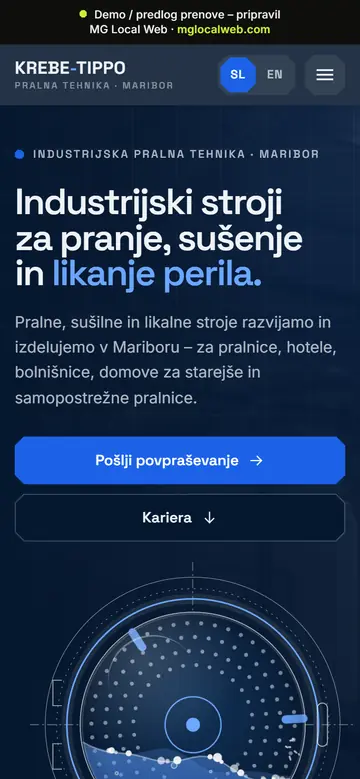
Demo: industrial machine maker
01 The problem
Where inquiries cost you time.
The same three things repeat in most companies, whatever the trade.
-
01
The inquiry arrives without the key details.
The quantity, the deadline or the drawing is missing. A few messages go back and forth before you can even start on a quote.
-
02
Nobody knows who replied.
A shared inbox, three people and a phone. The customer gets two answers, or none.
-
03
Sent quotes are left hanging.
The quote is out and the customer is silent. A week later nobody remembers to ask whether it is still live.
02 How it works
Five steps that run without you.
I fit the workflow to how you prepare quotes today. This is a typical setup.
What runs on its own
- Structured formIt asks what you need for a quote: product or service, quantity, deadline and attachmentsForm
- Automatic replyA confirmation with a summary of what was sent and the next step, in your nameEmail
- One recordA row in your sheet or a record in your CRM, with attachmentsRecord
- Notification to the right personA summary by email, with a link to the recordNotification
- RemindersIf the quote has not gone out, or the customer has not answered itAutomatic
What you see
Today, by hand
- Inquiries sit in several inboxes and phones
- It is unclear who has already replied to whom
- Reminders live on sticky notes
- You have no view of how many inquiries come in
With the system
- Everything is on one list
- Each record names the person responsible
- Reminders run on their own
- The overview arrives by email
What does manual work cost you?
Enter your own numbers. The result shows how much time and money goes into receiving, retyping and answering today.
6.7hours per month
200EUR per month
2,400EUR per year
A system that pays for itself in a few months: once manual work has a value, you can see how quickly the investment is covered.
This is a calculation from your own numbers, not a promised saving. How much of that work the system can take over is what I estimate in the free review.
03 What you get
What the setup includes.
Each part can work on its own. Together they cover the path from the first message to a booked job.
- 01
A form built around your process
We decide the fields together: what the customer must tell you so you can quote without follow-up questions.
- 02
Automatic replies in your words
The customer knows right away what you received and what happens next. You write or approve the text.
- 03
A record with statuses
New, in progress, quote sent, booked. One look shows what is waiting and with whom.
- 04
Attachments on the record
Drawings, images and documents (STEP, IGES, DXF, PDF, ZIP) stay attached to the inquiry.
- 05
Reminders and a monthly overview
The system reminds you when a quote has waited too long, and once a month it sends an overview of inquiries.
- 06
Connected to your tools
I connect the system to your email, calendar, spreadsheet or CRM. You do not have to replace what you already use.
04 Examples
Try it on working examples.
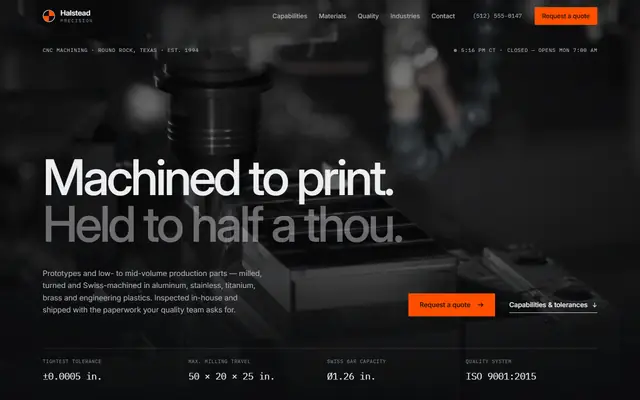
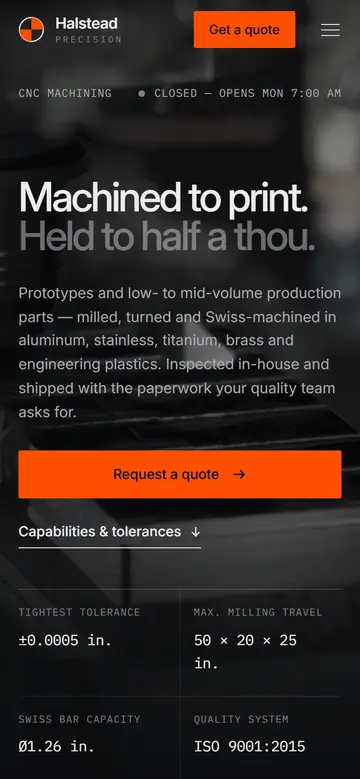
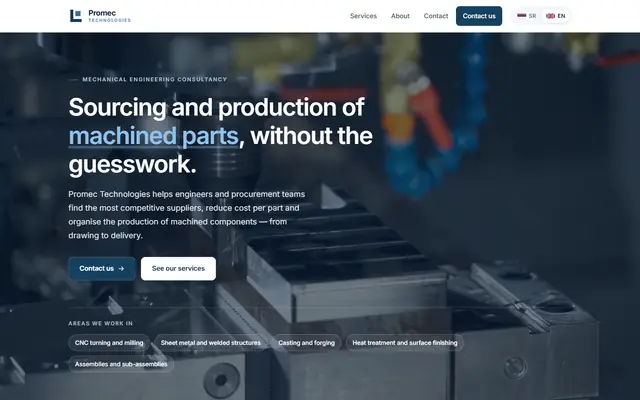
Open a demo, send an inquiry and see what the form asks.
The examples are working demo builds, not finished client projects. I do not attach results or reviews to them.
05 FAQ
Common questions about automation.
A different question? Ask in the form below or email me.
hello@mglocalweb.comDo we need a new website?
No. I can add the form and the automation to the site you already have. If the existing site cannot take it, I suggest the smallest change that makes it possible.
Which tools can you connect?
I connect the system to the tools you already use: your email, calendar, spreadsheet or CRM. I first check whether your tool can be connected and tell you before the quote.
Where is the data stored and who can see it?
In your own accounts: your sheet, your CRM and your inbox. Every inquiry your forms collect is yours. I only need access for setup and maintenance.
What about inquiries that come by phone or email?
The form is the most reliable source, because the details arrive structured. Inquiries that come by phone or email can be added to the same record by hand, so everything is on one list.
What happens if sending fails?
The inquiry is not lost. The form keeps everything the customer typed and offers to send it by email with the message already filled in.
What if our process changes?
I adjust the system. Form fields, reply texts, statuses and reminders can change without a new setup.
How much does it cost?
Package prices are published on the pricing page. After the free review you get a written quote with the exact price and timeline before any work starts. Open the price list.
07 Free review
Tell me how inquiries reach you today.
Write what you do and what happens when an inquiry comes in. You get a short, specific review by email: where time is lost, what I would automate first and what I would leave alone.
- Specific to your business
- No obligation, no sales pressure
- Process, forms or website
 Instagram · @mglocalweb