
For auto repair and tyre shops
Websites for auto repair shops with online booking.
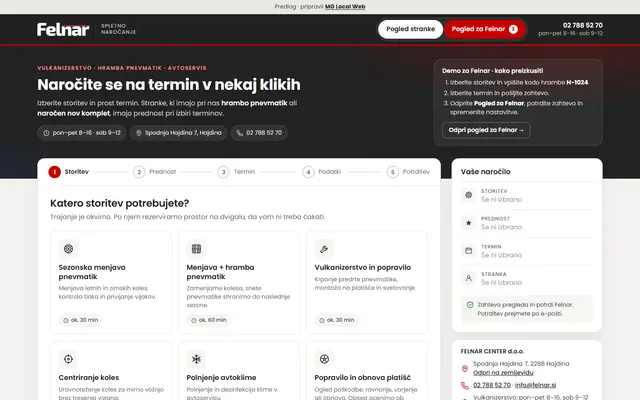
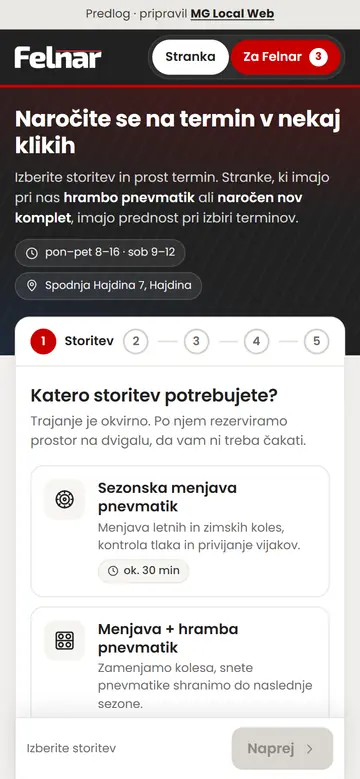
The customer picks a service and a free slot for servicing or a tyre change alone. You approve the booking with one click, and the slot goes into the calendar you already use.
- Booking for servicing and tyre changes
- An owner view with every slot
- Confirmation and reminder to the customer
 (opens in a new tab)
Demo: car and tyre service
01 The problem
In tyre season the phone rings all day.
In autumn and spring everything happens at once: a full workshop, a full phone line and customers who want a slot this week.
-
01
Calls in the middle of a job.
The mechanic is under a car and the phone rings. A customer who gets no answer calls the next shop.
-
02
Slots in a notebook.
Only the person who wrote it down knows who is coming on Thursday at eight. A double booking is found when two cars are at the door.
-
03
Regulars wait like everyone else.
Customers who store their tyres with you wait for a free line in season, just like people calling for the first time.
02 How it works
From picking a slot to the reminder.
Customers book themselves, and you decide which slots are open and whether you approve them by hand.
What runs on its own
- The customer picks a service and a slotThey only see the free slots you decide to showWebsite
- ApprovalApprove with one click, or switch on automatic approvalOwner view
- Message to the customerThe slot, the address and what to bringEmail
- Added to the calendarInto the calendar you already useCalendar
- Reminder the day beforeThe customer gets it automaticallyAutomatic
What you see
Today, by hand
- The phone rings in the middle of a job
- Slots live in a notebook or in your head
- You call customers to remind them
- Regulars wait for a free line
With the system
- Customers book themselves, also in the evening
- Every slot is in one calendar
- The reminder sends itself
- You can open more slots to regulars
03 What you get
What your shop gets.
I can add booking to your existing site or build a new site with booking.
- 01
Online appointment booking
In a few steps the customer picks a service, a day and a time and enters their details. It works on a phone.
- 02
Owner view
Every booking request on one screen. Approve or decline with one click, or switch on automatic approval.
- 03
Priority for regulars
Customers with tyre storage can see more slots than new ones. You set the rules.
- 04
Calendar and reminders
Bookings go into the calendar you already use. The customer gets a confirmation and a reminder the day before.
- 05
A page about the shop
Services, opening hours, location and contact on a site that loads quickly on a phone.
- 06
Basic SEO and a map listing
A tidy map listing and a site with clear titles, so customers from your area find you.
04 Examples
Appointment booking in practice.
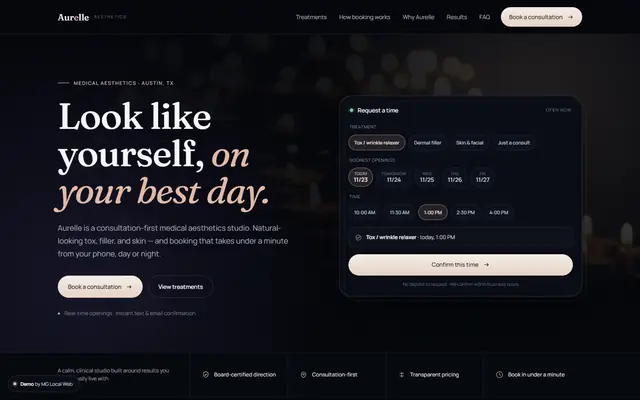
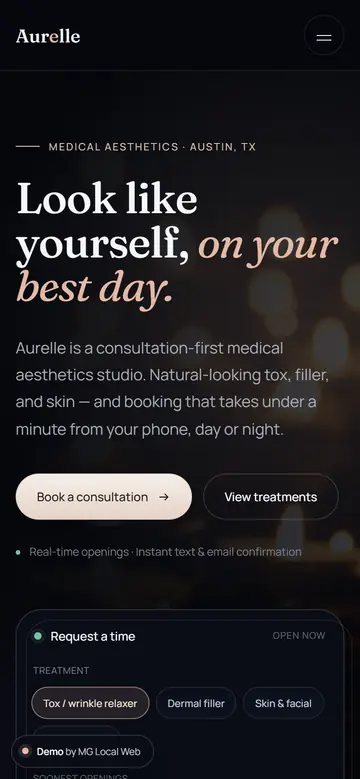
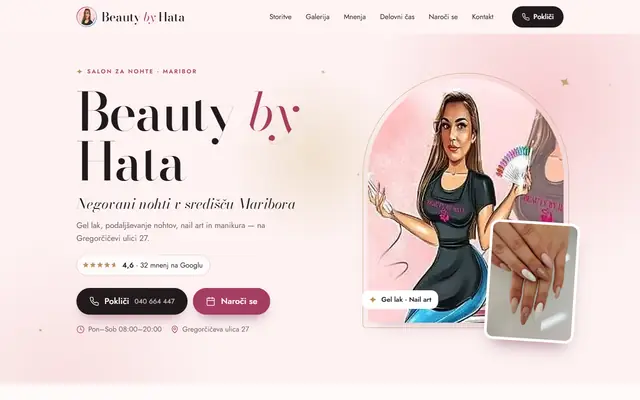
A demo for a car and tyre service, and the same booking system in two other trades.
The examples are working demo builds, not finished client projects. I do not attach results or reviews to them.

05 FAQ
Common questions from shop owners.
A different question? Ask in the form below or email me.
hello@mglocalweb.comCan we still take bookings by phone?
Yes. Online booking does not replace the phone, it takes the load off it. Slots agreed by phone go into the same calendar.
How do we avoid double bookings?
Customers only see free slots. You decide how many slots are public and who gets priority.
Do we have to approve every slot by hand?
Not necessarily. You can approve each booking yourself, or switch on automatic approval.
Does it work with our calendar?
Bookings go into the calendar you already use. If you have no calendar yet, I set up something simple.
Can you add booking to our existing site?
Yes. I can add booking to the site you already have. If the existing site cannot take it, I suggest the smallest change that makes it possible.
How much does it cost?
Package prices are published on the pricing page. After the free review you get a written quote with the exact price and timeline before any work starts. Open the price list.
07 Free review
Tell me how inquiries reach you today.
Write what you do and what happens when an inquiry comes in. You get a short, specific review by email: where time is lost, what I would automate first and what I would leave alone.
- Specific to your business
- No obligation, no sales pressure
- Process, forms or website
 Instagram · @mglocalweb