
For restaurants, bars and cafés
Online ordering and reservations for restaurants.
A digital menu by QR code, ordering from the table or for pickup, and online table reservations. The order shows up on the bar or kitchen screen right away, and the guest sees that it was received.
- Digital menu and QR ordering
- A screen for the bar or kitchen
- Online table reservations
 (opens in a new tab)
Demo: bar and restaurant
01 The problem
When the place is full, you run out of hands.
Most orders and calls come exactly when staff have the least time.
-
01
Guests wait to be noticed.
On a full terrace staff run between the tables and the bar, while a guest with a raised hand waits to order or pay.
-
02
Reservations by phone in the middle of a rush.
The phone rings when the place is full. The reservation ends up on a note by the till, or nobody picks up.
-
03
The menu is a PDF.
On a phone you have to zoom in to read it. Every change means a new file and a new print run.
02 How it works
From the QR code to the order on the screen.
The guest takes the first step alone, and staff see everything on one screen.
What runs on its own
- The guest scans the QR code on the tableThe menu for that table opens, with no app to installQR code
- Order from the phoneThe guest picks, reviews and confirms the orderMenu
- Bar screenThe order shows up right away, with a sound alertStaff screen
- Confirmation to the guestTheir phone shows that the order was receivedAutomatic
- Table reservationsThey arrive in the same view and wait for approvalReservations
What you see
Today, by hand
- Guests wait to be noticed
- Staff run between the tables and the bar
- Reservations by phone in the middle of a rush
- The menu is a file that is hard to read on a phone
With the system
- Guests order when they are ready
- The order is on the screen before the waiter reaches the bar
- Reservations wait in one place
- The menu opens on a phone and you edit it yourself
03 What you get
What your place gets.
You can take only the menu, or the whole system with ordering and reservations.
- 01
Digital menu
A menu that opens on a phone and reads without zooming. Categories, descriptions and photos, in more languages if you want.
- 02
Table ordering
A QR code on the table opens the menu for that table. The guest orders by phone, calls the waiter or asks for the bill with one tap.
- 03
Pickup orders
The guest orders ahead and picks a pickup time. You see what to prepare and by when.
- 04
Staff screen
Orders appear live on a tablet or phone at the bar or in the kitchen, with a sound alert.
- 05
Table reservations
The guest picks a day, a time and the number of people. The reservation waits for your approval.
- 06
QR cards and menu editing
You get print-ready QR cards for the tables. You can edit menu texts and photos yourself.
04 Examples
Three examples for restaurants.
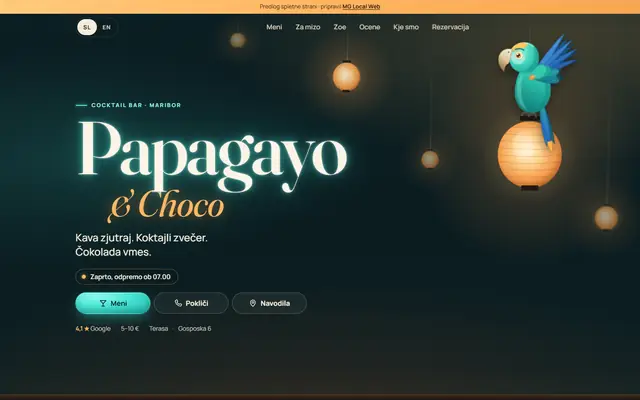
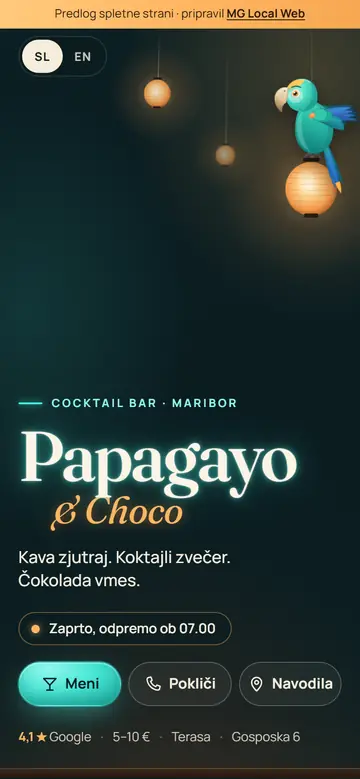
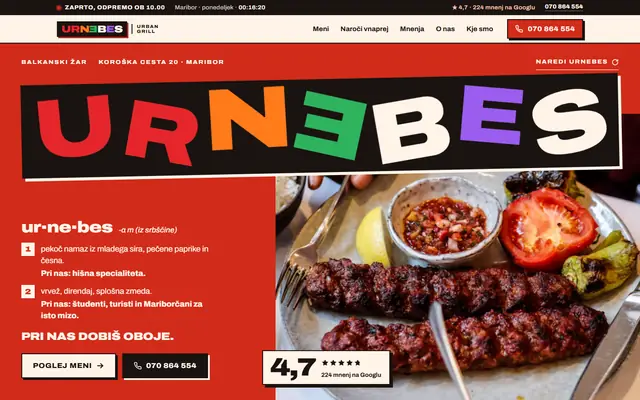
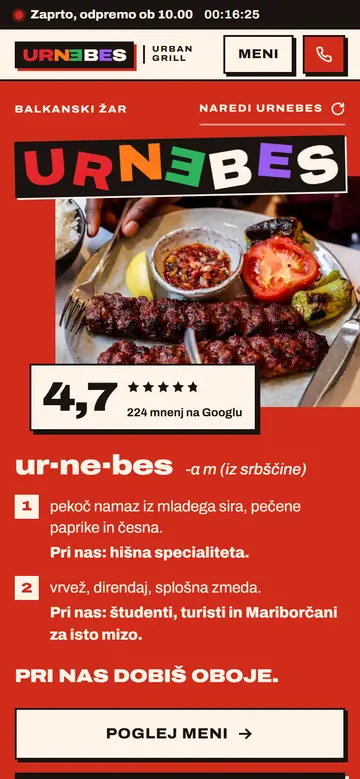
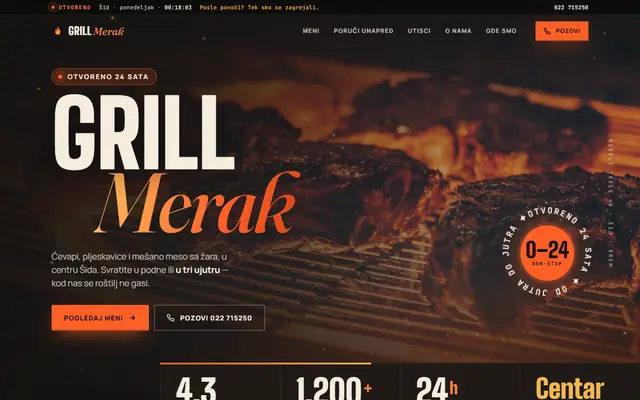
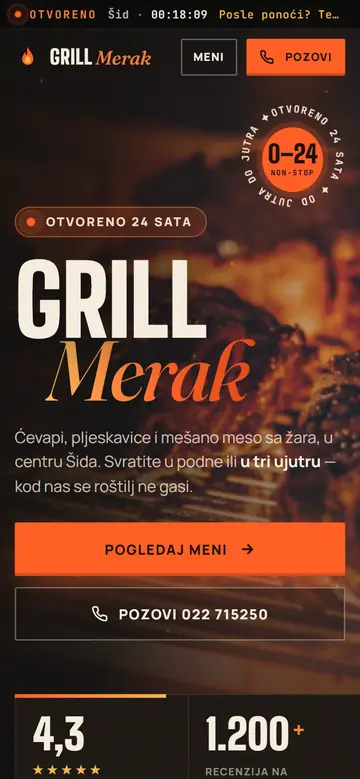
Table ordering with a bar screen, a digital menu with pickup orders, and ordering ahead with a pickup time.
The examples are working demo builds, not finished client projects. I do not attach results or reviews to them.
05 FAQ
Common questions from restaurant owners.
A different question? Ask in the form below or email me.
hello@mglocalweb.comDoes the guest have to install an app?
No. The QR code opens the menu in the phone browser. The guest picks, confirms the order and sees that it was received.
Does the system replace the till?
No. Ordering runs next to your till. You see the order on the screen and issue the bill the way you do now.
What do we need in the restaurant?
A tablet or phone for staff and an internet connection. The bar screen is a web page, so there is no special equipment to buy.
Can we change the menu ourselves?
Yes. You can edit texts and photos yourself, without programming. I show you how.
Can guests pay online?
In the examples shown, the guest pays staff as usual. If you want online payment, we agree on that separately.
How much does it cost?
Package prices are published on the pricing page. After the free review you get a written quote with the exact price and timeline before any work starts. Open the price list.
07 Free review
Tell me how inquiries reach you today.
Write what you do and what happens when an inquiry comes in. You get a short, specific review by email: where time is lost, what I would automate first and what I would leave alone.
- Specific to your business
- No obligation, no sales pressure
- Process, forms or website
 Instagram · @mglocalweb